
Build Apps · Data Models
Indices
fuuz.com/help/indices
Indices support the efficient execution of queries. By using indices the query can limit the results, resulting in faster performance instead of doing a collection scan. Indices can be defined on a single field or on multiple fields.
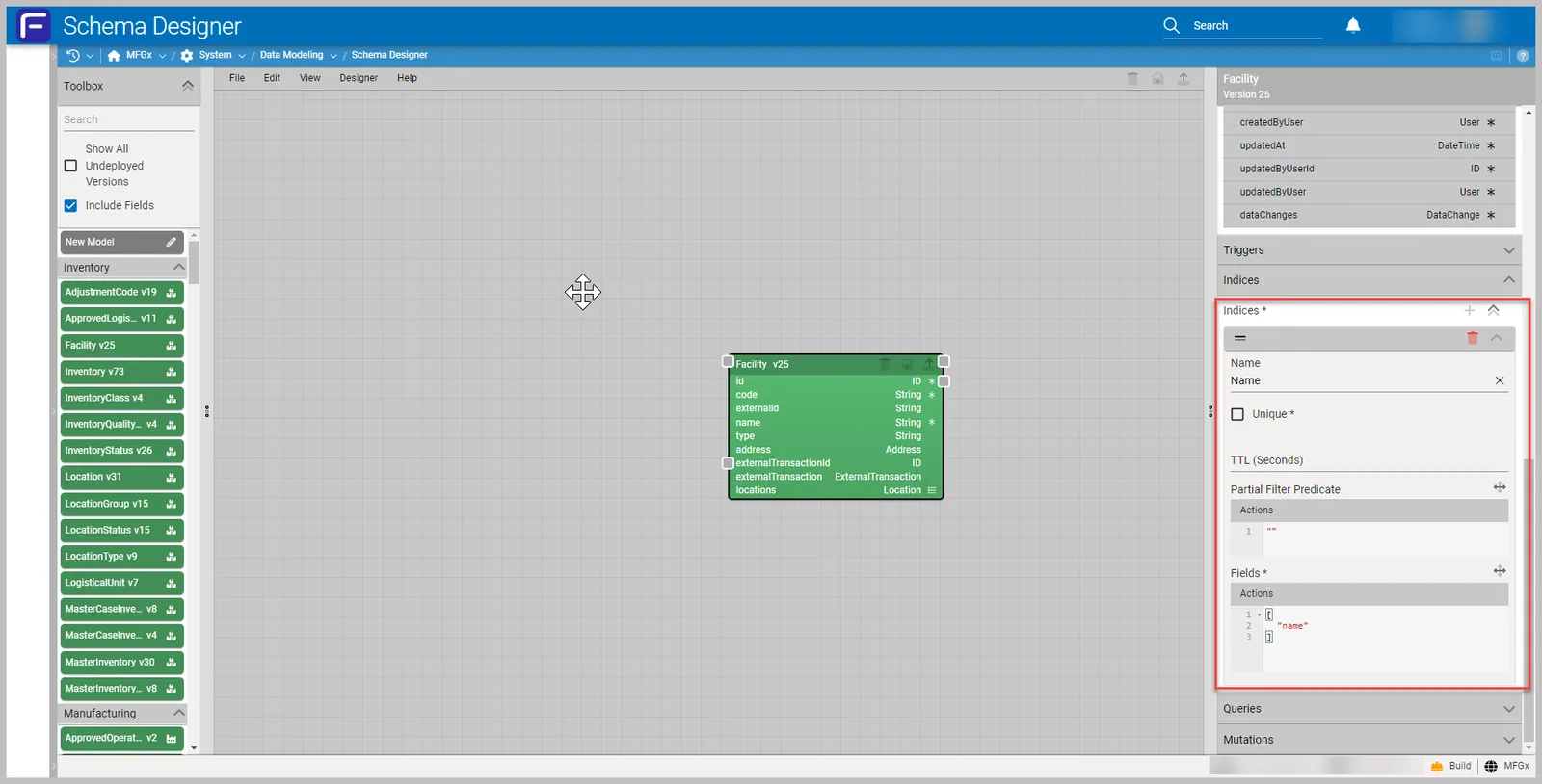
Multi-Field Index
The order of fields matters when defining a multi-field index. The index will contain references to documents sorted first by the values of the first field and, within each value of that field, sorted by values of the second field.
Unique Index
The Unique checkbox creates a unique index on the fields specified. This ensures the data is not duplicated and enforces uniqueness.
TTL Index
TTL indexes are used to automatically remove data after a certain amount of time. It's useful to add a TTL index where the data needs to persist for a finite amount of time. TTL indices are created on DateTime fields to determine the expiration seconds, and the data will be deleted from the collection after the specified seconds.
Partial Index
Partial indexes only index based on a specified filter expression. By indexing a subset of the documents in a collection, partial indexes have lower storage requirements and reduced performance costs for index creation and maintenance.
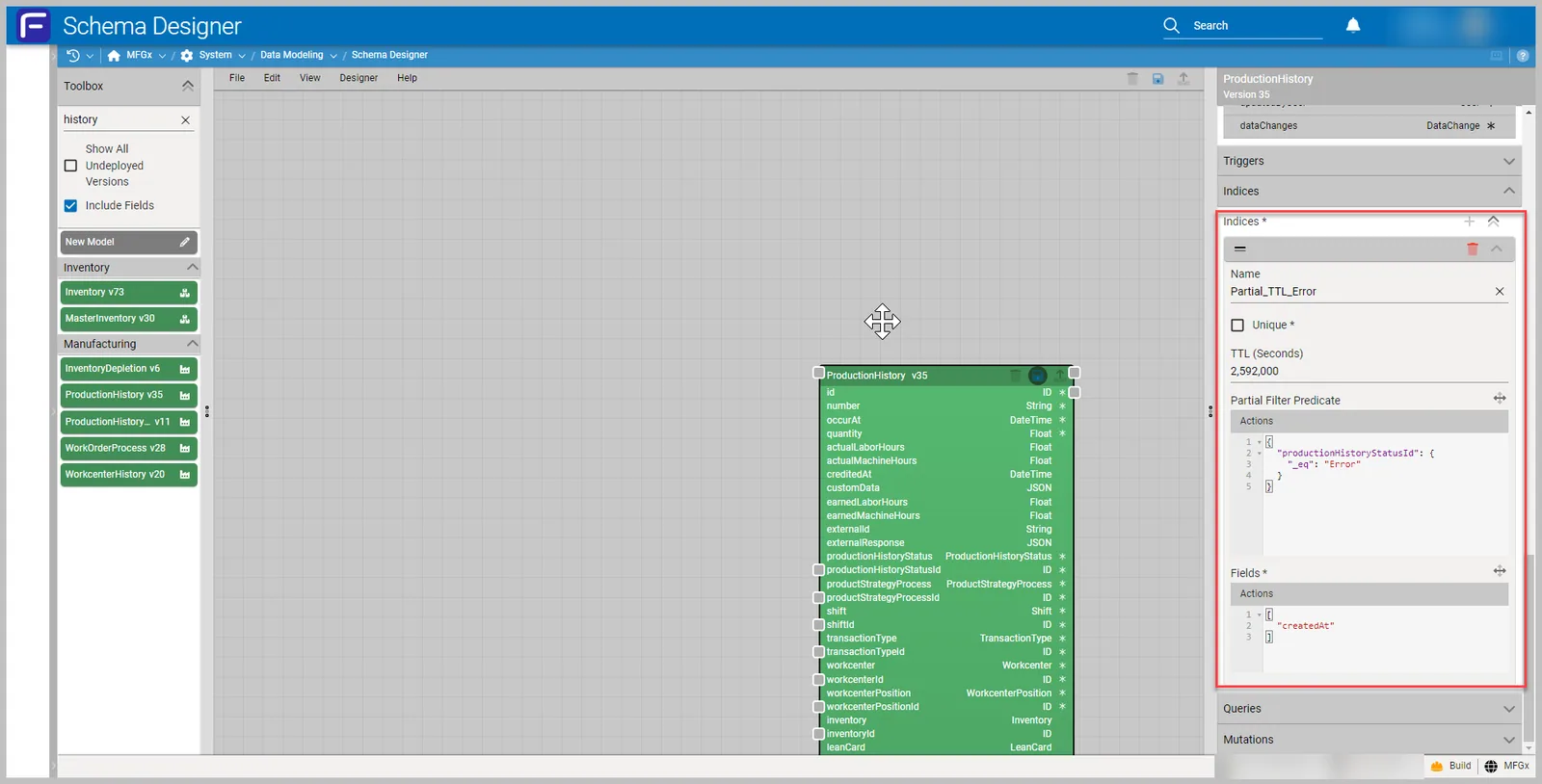
For example: If we have to create an index on a Log / History data model only when the status field is "Error", we can define a Partial Index using a Partial Filter Predicate as below:
{
    "status": {
        "_eq": "Error"
    }
}
See Also
Need more help?
Ask the Fuuz community, or open a ticket with Fuuz support.