 Help Center
How-To Guides · Users and access
Logging into Fuuz – Cloud Access
Last updated December 26, 2025, 8:12 PM UTC · fuuz.com/help/logging-into-fuuz-cloud-access
Fuuz Login Guide
Article Type: How-To / Step-by-Step
Audience: End Users, Administrators
Module: Fuuz Platform
Applies to Versions: 2025.12+
Before You Begin
Before you can log in, ensure you have completed setup for Enterprises and Tenants. These define your organizational structure in Fuuz.
Note: Fuuz supports Single Sign-On (SSO) and Multi-Factor Authentication (MFA) for enhanced security. Contact your administrator if these are enabled.Supported browsers include Chrome, Edge, and Firefox. For best performance, use the latest version.
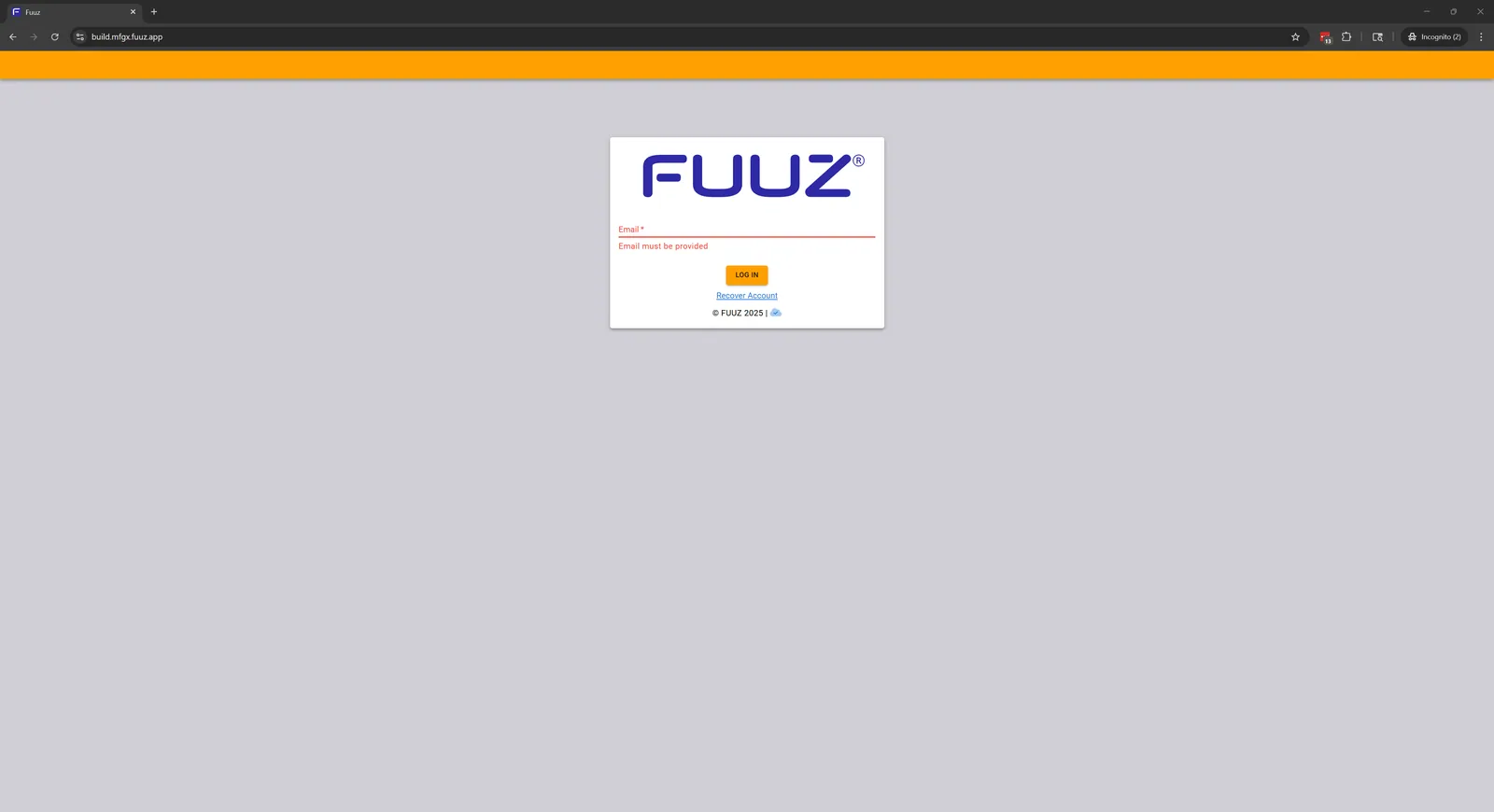
Login Instructions
- Open Your Enterprise URL: Enter the unique Enterprise URL provided by your administrator into your browser.
- Enter Your Credentials:
- Username: Your email address.
- Password: Must meet Fuuz security requirements (mix of characters, numbers, symbols). Passwords expire periodically.
- Click “Log In”: After entering credentials, click the Log In button.
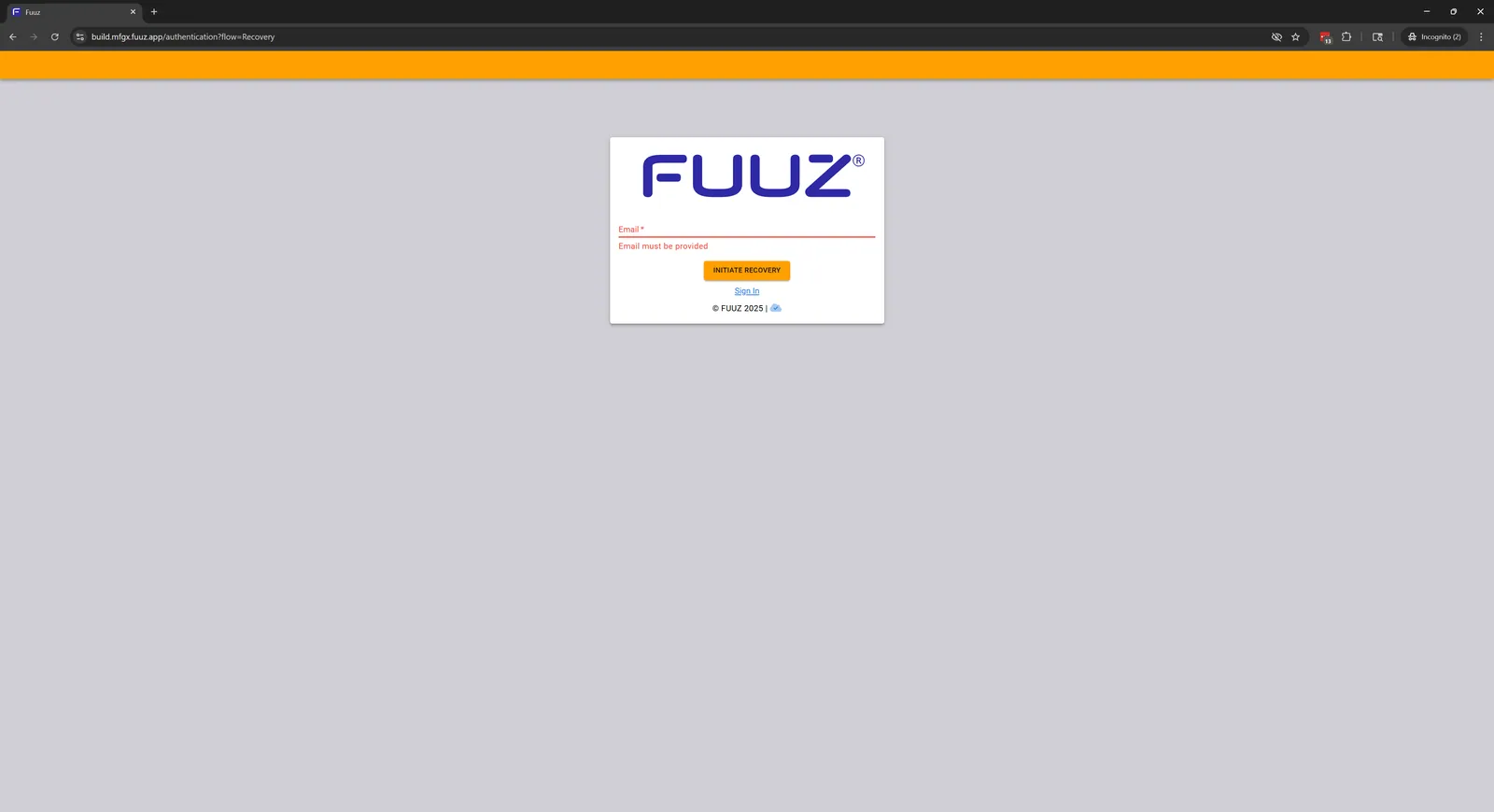
Forgot Your Password?
Click Recover Account on the login page to start the password recovery process. Follow the authentication steps to reset your password securely.
Troubleshooting Login Issues
- Check Your Email Address: Ensure it’s correct. Look for the “Welcome to Fuuz” email or contact your administrator.
- Verify Your Password: If using a password manager, confirm it’s updated. For SSO users, follow your organization’s login process.
- Use “Recover Account”: Reset your password if all else fails.
Important: If you still cannot log in, contact your Fuuz Administrator. They can reset your password and verify your setup.
Additional Security Best Practices
- Enable MFA for all users to prevent unauthorized access.
- Regularly update passwords and avoid reuse.
- Log out when finished, especially on shared devices.
Revision History
| Version | Date | Editor | Description |
|---|
| 1.0 | 2025-12-23 | Craig Scott | Initial Release |
Fuuz Knowledge Base • © 2025 Fuuz