 Help CenterHelp Center
Build Apps · Edge
The Edge Gateway supports execution of data flows at the edge. This type of data flow is referred to as an "Edge Flow." Edge Flows are designed to be deployed onto an Edge Gateway instance, unlocking a set of SCADA capabilities that can be designed and deployed using the same Data Flow Designer in the Fuuz platform used for System, iPaaS, web, and other flows. Once deployed on the edge, these flows can accept network requests from devices, make requests out to devices on a schedule or in response to events, make requests to Fuuz to query configuration or store data for long-term analysis, and more!
After configuring an Edge Gateway with devices:
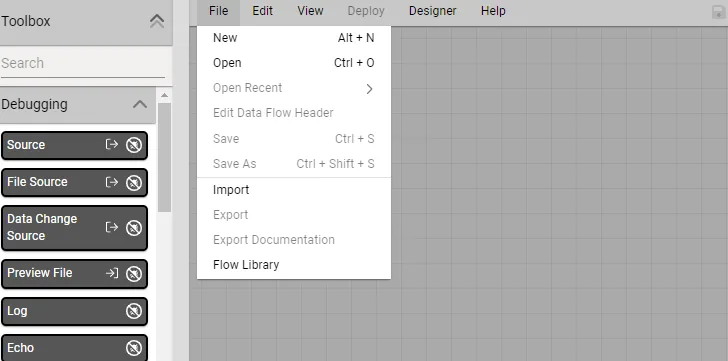
Open the Flow Designer and in the toolbar at the top, select File → New
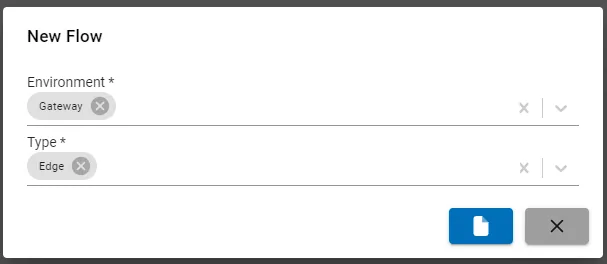
Select Gateway as the Environment and Edge as the type.
After designing your Flow, save it and deploy it.
Note: All core Data Flow Nodes and JSONata bindings may be used in an Edge Flow except the "Aggregate" node and binding.
Deployed Edge Flows must be associated with an Edge Gateway installation before they execute.
In the Edge Gateways list, select your Gateway.
Under the Edge Gateway Data Flows tab, select the edge flow
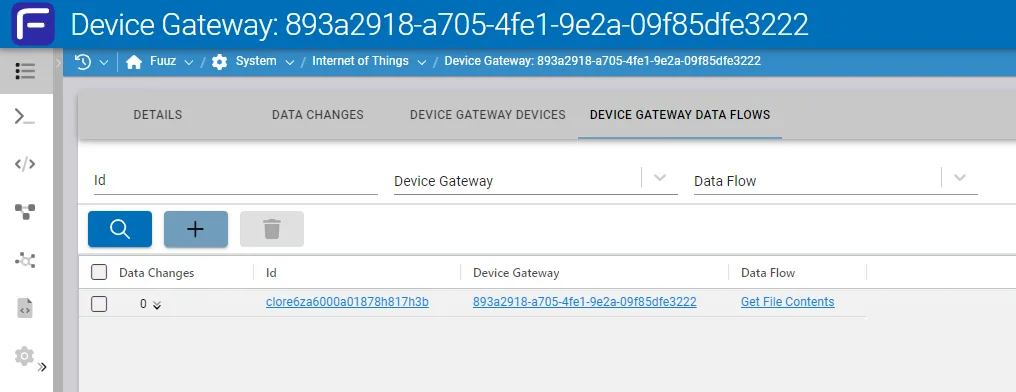
The Edge Gateway will deploy the Edge Flow afterward.